
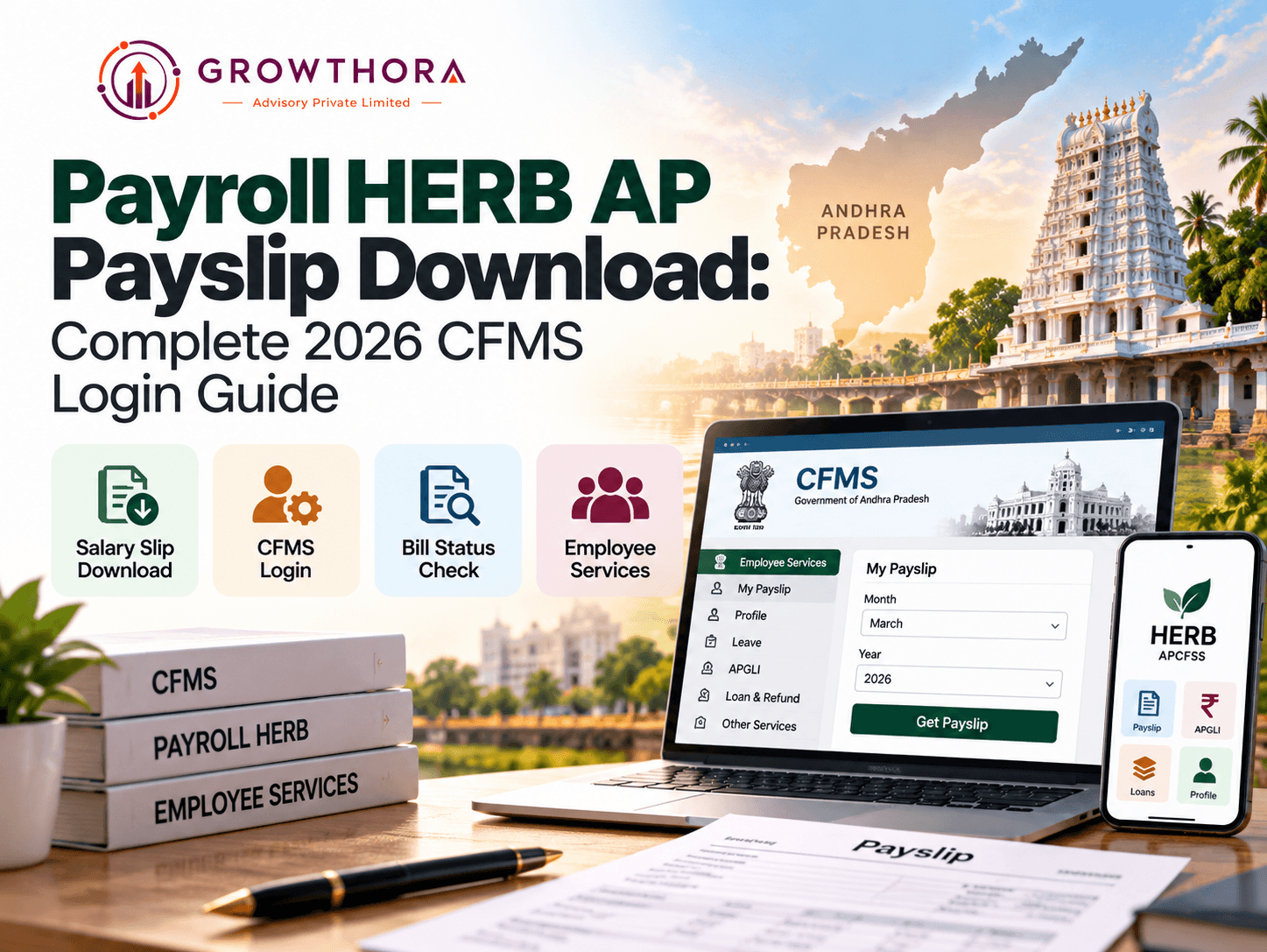
How do I download my AP salary slip right now?
Go to payroll.herb.apcfss.in/login or nidhi.apcfss.in/login, log in with your 8 digit CFMS ID, open Employee Services, select My Payslip, choose the month and year, then click Get Payslip and save it as a PDF. If either portal is slow, cfms.ap.gov.in offers the same payslip access as a backup route since all three run on the same CFMS backend.
What CFMS Is and Where Payroll HERB Fits
CFMS, the Comprehensive Financial Management System, is the paperless salary and financial transaction platform for the Andhra Pradesh government, run by the Finance Department through APCFSS, the AP Centre for Financial Systems and Services. It was launched on 2 April 2018 and built on the SAP S4 HANA platform, with the explicit goal of creating a single source of truth for every financial transaction across the state, from salary bills and pensions to vendor payments and treasury operations.
Payroll HERB is the payroll module within this larger CFMS ecosystem. It is the part employees actually interact with day to day, since it is where Drawing and Disbursing Officers prepare and submit pay bills and where individual employees log in to view and download their own payslips.
Every Official AP Employee Portal in One Place
One of the most common sources of confusion is that CFMS-related services are spread across several different domains, all genuinely official, which can make it hard to know where to go. Here is what each one actually does.
| Portal | What It Is For |
|---|---|
| cfms.ap.gov.in | The main CFMS portal, used for employee and pensioner login, DDO bill submission, bill status checks and beneficiary search, none of which require app installation |
| payroll.herb.apcfss.in | The dedicated payroll module for generating pay bills and downloading payslips, most commonly used by employees for My Payslip access |
| herb.apcfss.in | An alternate HERB login gateway used by some departments, functionally linked to the same payroll module |
| nidhi.apcfss.in | A unified employee self service portal covering payslip, APGLI status, loan and refund details, and general profile information |
| GSWS LMS (separate from CFMS) | Leave and attendance management specifically for Grama and Ward Sachivalayam staff, not used for regular CFMS salary processing |
If your department has told you to use a specific one of these, stick with that link first. If it is unavailable, the others above generally offer the same underlying payslip data, since they all draw from the same CFMS backend.
How to Download Your AP Salary Slip, Step by Step
- Open the correct portal. Go to payroll.herb.apcfss.in/login or nidhi.apcfss.in/login, whichever your department directs you to use, or use cfms.ap.gov.in as a backup route.
- Log in with your CFMS ID. Enter your 8 digit CFMS ID or Employee ID along with your password to sign in.
- Open Employee Services. From the dashboard, go to Employee Services and select My Payslip.
- Choose the salary month and year. Select the specific month and year for the payslip you need to view.
- Generate the payslip. Click Get Payslip and wait for the details to load on screen.
- Save or print your payslip. Once the payslip appears, click Print or Save as PDF to keep a copy for your records.
Some departments also share a direct payslip link at payroll.herb.apcfss.in/jddetailsReport, which skips straight to a page where you select the month and year and enter your CFMS ID before submitting, without navigating through the full Employee Services menu first.
Downloading Your Payslip From the HERB Mobile App
APCFSS also publishes a dedicated mobile app for Android and iOS that lets AP state government employees view and download payslips, check APGLI policy, loan and refund status, and view their basic profile without opening a browser at all.
- Search for the official APCFSS payroll app on the Google Play Store or the Apple App Store, or use the direct link your department has shared.
- Install the app and open it.
- Log in using your CFMS ID and password, the same credentials you use on the web portal.
- Select Payslip from the app menu.
- Choose the month and year, then view or download the payslip directly on your device.
Finding Your CFMS ID and Fixing Common Login Errors
What if I do not know my CFMS ID?
Ask your Drawing and Disbursing Officer, since DDO office records hold every employee's CFMS ID, or check a previous physical or digital payslip where the 8-digit number is printed. As a last resort, the beneficiary search option on cfms.ap.gov.in can sometimes help confirm identity details using your PAN, Aadhaar, or bank account number, without needing to log in first.
- CFMS ID length: the CFMS ID is always 8 digits, replacing the older 7 digit HRMS or treasury code used before CFMS was introduced.
- Server timeouts: these are common at month end, when every department fetches payslips at once. Trying again early in the morning or later in the evening usually works better than during peak hours.
- Forgot password: use the forgot password option on the login page rather than guessing repeatedly, since too many failed attempts can lock your account temporarily.
- Clear your browser cache: an old cached version of the login page occasionally causes the form to behave incorrectly, so a hard refresh or switching to a different browser can resolve stubborn login issues.
- Pensioners: pensioners use the same CFMS-linked login process but should select the pension bill option instead of salary when multiple bill types appear on screen.
Checking Your CFMS Bill Status Without Logging In
How do I check my CFMS bill status without a login?
Go to cfms.ap.gov.in, open Citizen Services, then select Bill Status. Enter the bill number, with the first four digits representing the year in the first box and the remaining digits in the second box, and the beneficiary details will display the current stage of that bill.
This is useful when your salary or pension payment seems delayed and you want to confirm whether the bill is still waiting for fund clearance, has moved further along and is under process with E Kuber, the Reserve Bank of India's electronic payment system, or has already been paid, before contacting your DDO.
Pensioners: Downloading the Pension Slip
Pensioners follow essentially the same process as active employees. Visit payroll.herb.apcfss.in, nidhi.apcfss.in, or cfms.ap.gov.in, log in with the CFMS-linked credentials issued to you, and when the screen presents more than one bill type, select the pension bill option rather than the salary option before choosing the month and downloading the slip.
Grama and Ward Sachivalayam Staff: Leave and Attendance
Grama and Ward Sachivalayam employees generally handle leave and attendance through the GSWS LMS system rather than through the salary slip portals described above, since that system is built specifically for secretariat staff HR functions and sits outside the core CFMS payroll workflow. Check with your local secretariat office for the current LMS login link relevant to your role, since GSWS-related web addresses have changed more than once in recent years.
When to Contact Your DDO Instead of APCFSS
Your Drawing and Disbursing Officer prepares and submits your salary bill in CFMS, so most issues that are specific to your own record, wrong deductions, a missing allowance, an incorrect posting detail, or a delayed bill need to be raised with your DDO office first rather than with APCFSS directly. APCFSS support is generally the right escalation point for broader technical issues, such as the portal itself being down for everyone, rather than problems limited to a single employee's bill.
Key Takeaways
- Payroll HERB is the payslip and payroll module inside the broader CFMS ecosystem run by APCFSS for the Andhra Pradesh Finance Department.
- Payroll.herb.apcfss.in, herb.apcfss.in, nidhi.apcfss.in, and cfms.ap.gov.in all connect to the same CFMS backend, so switching between them is the fastest fix when one is slow or down.
- Your CFMS ID is always 8 digits and can be found on a past payslip or confirmed by your DDO if you have lost track of it.
- You can check your bill status on cfms.ap.gov.in without logging in at all, using just your bill number and year.
- Pensioners follow the same login process as employees but must select the pension bill option, while Grama and Ward Sachivalayam staff use a separate GSWS LMS system for leave and attendance.
FAQs
What is the difference between Payroll HERB and CFMS?
CFMS, the Comprehensive Financial Management System, is the overall state financial platform covering budgeting, bill payments and treasury functions for the Andhra Pradesh government. Payroll HERB is the specific payroll processing and payslip module built on top of CFMS that employees and Drawing and Disbursing Officers use to prepare pay bills and view salary slips.
What is my CFMS ID and how many digits does it have?
Your CFMS ID is an 8 digit employee code that replaced the older 7 digit HRMS or treasury code when CFMS was introduced. You can find it on any recent payslip, on your DDO office records, or by asking your Drawing and Disbursing Officer directly.
Which website should I use if payroll.herb.apcfss.in is not loading?
If payroll.herb.apcfss.in is slow or unresponsive, try nidhi.apcfss.in/login or cfms.ap.gov.in instead, since all three point to the same CFMS backend and one of them usually responds even when the others are under heavy load, particularly around month end salary processing days.
Can I check my CFMS bill status without logging in?
Yes, cfms.ap.gov.in offers a Bill Status option under Citizen Services that does not require a login. Enter your bill number, with the first four digits being the year, and the remaining digits in the second box, to see whether your bill is waiting for fund clearance, under process with E Kuber, or already paid.
Can pensioners download their pension slip the same way as employees?
Yes, pensioners use the same CFMS linked portals as employees, whether that is payroll.herb.apcfss.in, nidhi.apcfss.in or cfms.ap.gov.in, but should select the pension bill option instead of the salary bill option when the screen shows multiple bill types.
Where do Grama or Ward Sachivalayam employees check leave and attendance?
Grama and Ward Sachivalayam staff generally check leave and attendance on the GSWS LMS portal, which is separate from the salary slip portals covered here, since it is built for HR functions specific to secretariat staff rather than general CFMS payroll processing.
Why does the payslip page take a long time to load or time out?
The CFMS server is shared across every Andhra Pradesh government department, so traffic spikes heavily around month end and on salary disbursal days when thousands of employees try to fetch payslips at the same time. Trying again early in the morning or later at night, clearing your browser cache, or switching to a different CFMS linked portal usually resolves the delay.
What is the default password if I am logging into herb.apcfss.in for the first time?
Some departments issue a common first time password for herb.apcfss.in, but this varies and should never be assumed to be universal or shared publicly. If your first login attempt fails, use the forgot password option on the login page or confirm the correct first time credential with your Drawing and Disbursing Officer.
Who do I contact if my payslip shows wrong deductions or missing details?
Payslip errors, wrong deductions or missing entries should be reported to your Drawing and Disbursing Officer first, since the DDO prepares and submits your salary bill in CFMS, and most correction requests need to originate from that office rather than from APCFSS directly.
Is there an official helpline for CFMS related issues?
Yes, Andhra Pradesh Centre for Financial Systems and Services runs a helpline for CFMS related queries, and your DDO office can also escalate persistent technical issues through the internal APCFSS support channel if a direct call does not resolve the problem.
Conclusion
Payroll HERB works exactly like any shared government server: reliable most days and predictably slow at month-end when every AP employee logs in within the same few hours. Knowing that cfms.ap.gov.in, herb.apcfss.in, and nidhi.apcfss. In all, pulling from the same CFMS backend means a slow page is rarely a real outage, just a matter of trying a different link or a quieter hour. Keep your CFMS ID saved somewhere easy to find, since it is the one detail that stops almost every login attempt cold. For anything specific to your own bill, a wrong deduction, a delay, or a missing entry, your DDO is the right first call, not APCFSS support. With this guide, downloading a payslip, checking a pending bill, or fixing a stuck login should take minutes rather than a frustrating afternoon.
Next step
Apply this to your business.
Confirm whether this applies to your legal structure, industry classification, and credit history - in under 30 minutes with an advisor.