
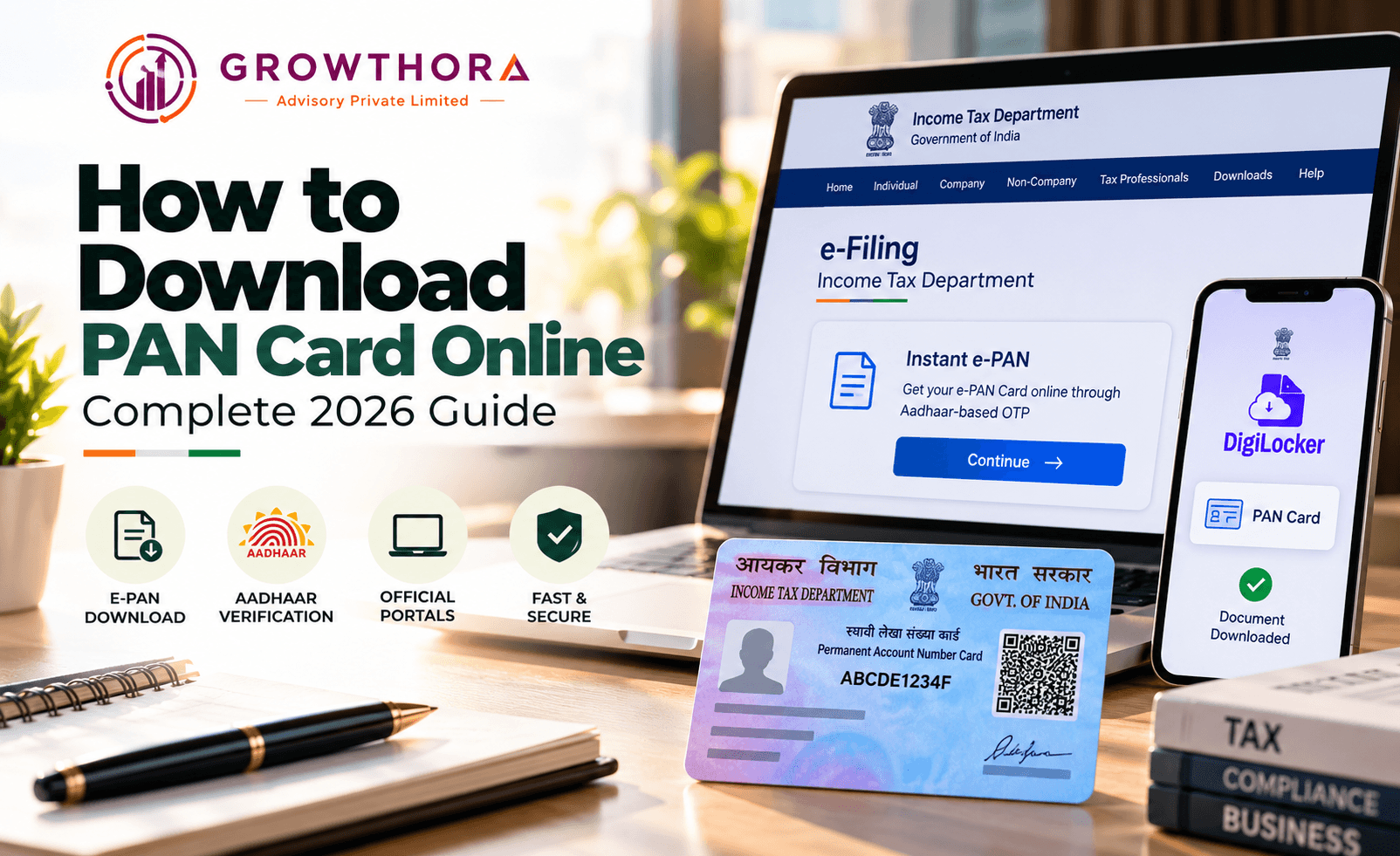
What is an e-PAN?
An e-PAN is a digitally signed PDF version of your Permanent Account Number card, issued by the Income Tax Department under Section 139A of the Income Tax Act, carrying the same legal validity as the physical PAN card for income tax filing, financial transactions, and any other purpose requiring PAN verification.
Since a physical card is not mandatory for most practical purposes, many PAN holders now rely entirely on the e-PAN PDF, keeping a digital copy accessible on their phone or email rather than carrying a physical card at all.
Method 1: Income Tax e-Filing Portal (Free, Aadhaar-Based)
- Visit the official Income Tax e-Filing portal at incometax.gov.in.
- Click on the “Instant e-PAN” option available on the homepage.
- Select “Continue” under the “Check Status/Download PAN” option, since this is for an existing PAN rather than a new application.
- Enter your Aadhaar number and confirm the declaration.
- Verify using the OTP sent to your Aadhaar-linked mobile number.
- Once verified, download your e-PAN PDF directly from the portal at no cost.
- This route is generally the fastest and is entirely free regardless of how long ago your PAN was issued, provided your Aadhaar is correctly linked to your PAN and your mobile number is active and linked to Aadhaar.
Method 2: NSDL (Protean) Portal
- Visit the NSDL e-PAN download portal at onlineservices. proteantech.in
- Select either “PAN” or “Acknowledgement Number,” depending on whether you have your PAN number or the acknowledgement number from your original application.
- Enter your 10-character PAN, 12-digit Aadhaar number, and month and year of birth as prompted.
- Accept the declaration and validate using the OTP sent to your registered mobile number or email.
- If your PAN was issued or updated within the last 30 days, the download is free; for older PANs, pay the nominal fee of around Rs 8.26 via UPI or card to unlock instant download.
Method 3: UTIITSL Portal
- Visit the official UTIITSL PAN portal at pan.utiitsl.com.
- Click on “Download e-PAN” under the PAN Card Services section
- Enter your PAN number, date of birth, and the captcha code displayed.
- Validate using the OTP received on your registered mobile number or email.
- Download your e-PAN card as a PDF file, paying the applicable nominal fee if your PAN is older than 30 days from issuance or last update.
- Use whichever portal, NSDL or UTIITSL, originally processed your PAN application, since this is sometimes a smoother path even though both portals can technically retrieve most PAN records.
Downloading PAN via DigiLocker
Can I download my PAN card through DigiLocker?
Yes, DigiLocker, the Government of India’s digital document wallet, allows PAN holders to search for and pull their PAN card directly into their DigiLocker account by searching for “Income Tax Department” within the app and selecting the PAN card document type, which then becomes accessible alongside your other linked government documents.
This option is particularly convenient for anyone who already uses DigiLocker to store other identity documents, since it keeps your PAN accessible in the same place as your driving license, Aadhaar, and other official records, without needing to separately remember which tax portal issued your PAN.
Which Method Should You Use?
For most people, the Income Tax e-Filing portal’s Instant e-PAN service is the simplest and most cost-effective option, since it is free regardless of how old your PAN is, provided your Aadhaar-mobile linkage is active. The NSDL and UTIITSL routes become more relevant if your Aadhaar is not properly linked or your mobile number is not updated with Aadhaar, since these portals offer alternative verification paths using your date of birth and registered contact details instead.
Common Issues While Downloading e-PAN
- OTP not received, usually because the mobile number is not correctly linked to Aadhaar or the PAN record, which requires updating your contact details first through the relevant portal
- Mismatch in date of birth or name between the entered details and the official PAN or Aadhaar record, which blocks verification until corrected
- Attempting the Income Tax portal’s Aadhaar-based instant method when Aadhaar and PAN are not linked, since this route specifically requires an active linkage
- Confusion between NSDL and UTIITSL when the original PAN application was processed through a different authority than the one being used for download
Key Takeaways
- The Income Tax e-Filing portal’s Instant e-PAN service is the fastest and always-free method, using Aadhaar-based OTP verification.
- NSDL (Protean) and UTIITSL both offer e-PAN download using your PAN number and date of birth, free within 30 days of issuance and around Rs 8.26 afterward.
- DigiLocker offers an additional convenient route for anyone who already stores identity documents there.
- Most download failures trace back to an Aadhaar-mobile linkage issue or a data mismatch between entered details and official records.
- An e-PAN PDF carries the same legal validity as a physical PAN card for all income tax and financial transaction purposes.
FAQs
Is it free to download an e-PAN card online?
Yes, downloading through the Income Tax e-Filing portal’s Instant e-PAN service is always free; NSDL and UTIITSL are free within 30 days of PAN issuance or update and charge a nominal fee of around Rs 8.26 afterward.
Can I download my PAN card without my PAN number?
Yes, the NSDL and UTIITSL portals allow download using your name and date of birth in some cases, and the Income Tax portal’s Instant e-PAN service works directly through Aadhaar verification without needing to already know your PAN number.
Why am I not receiving the OTP while trying to download my e-PAN?
This usually happens because your mobile number is not correctly linked to your Aadhaar or PAN record, which needs to be updated through the relevant portal before OTP verification will work.
Is an e-PAN legally valid without a physical PAN card?
Yes, an e-PAN carries the same legal validity as a physical PAN card for income tax filing and all financial transactions requiring PAN verification.
Can I get my PAN card through DigiLocker? Yes, you can search for “Income Tax Department” within the DigiLocker app and pull your PAN card document directly into your DigiLocker account.
What should I do if my Aadhaar is not linked to my PAN?
You will need to complete Aadhaar-PAN linking through the Income Tax portal first, since the free Instant e-PAN download route specifically requires this linkage to work.
Conclusion
If you are setting up a new business and need help with PAN registration, Aadhaar linking, or related compliance documentation, Growthora Advisory can guide you through the process. Book a free consultation with our team today.
Next step
Apply this to your business.
Confirm whether this applies to your legal structure, industry classification, and credit history - in under 30 minutes with an advisor.